
Email on your domain: get started
Add a domain, create your first mailbox, send its setup link, and open the webmail.
3 min read Updated
Rabbitflare Mail gives you mailboxes at [email protected], with a webmail, every mail app, and the DNS set up for you. Every feature is on every package,
from $0.99 to $7.99 a mailbox a month. You don't need to host your website with us: you need a Rabbitflare account and a
domain you own.
Before you start
- Turn on two-factor sign-in for your Rabbitflare account. Mailboxes hold your business's email, so the account that manages them signs in with a second step. Here's how.
- Make one payment, if you haven't paid us for anything yet. Add $10 to your wallet by card, under Billing. It pays for your first mailboxes, and what's left stays in your wallet. A paid server or domain counts too, but a free trial doesn't. PayPal isn't available for mailboxes.
- Decide about your domain. A domain receives mail in one place. If people use Google Workspace or Microsoft 365 on it today, move everyone together with the import tool, or use a subdomain or a second domain instead.
Add your domain
-
Open Mail and add a domain
In the control panel, open Mail and choose Add domain. Enter the part after the @ in the addresses you want:
example.comfor[email protected]. -
Let us add the records, or add them yourself
If the domain is registered with us or in your connected Cloudflare account, we add the records for you. For any other domain, you add a few records at its DNS provider, and we check them. The DNS records, explained says what each one does.
-
Wait for the check
You can leave the page: the domain waits in Mail, and we keep checking. New records usually show within 10 minutes, and sometimes take up to 48 hours.
Create your first mailbox
-
Choose New mailbox
Enter the address and the person's name, and choose a package. You can mix packages on one domain. Each one includes the webmail and every mail app.
-
Pay
Your first Mail payment is $10, or your mailboxes' first month if that's more. Anything left stays in your wallet and pays the following months. How mailboxes are billed has the details.
-
Send the setup link
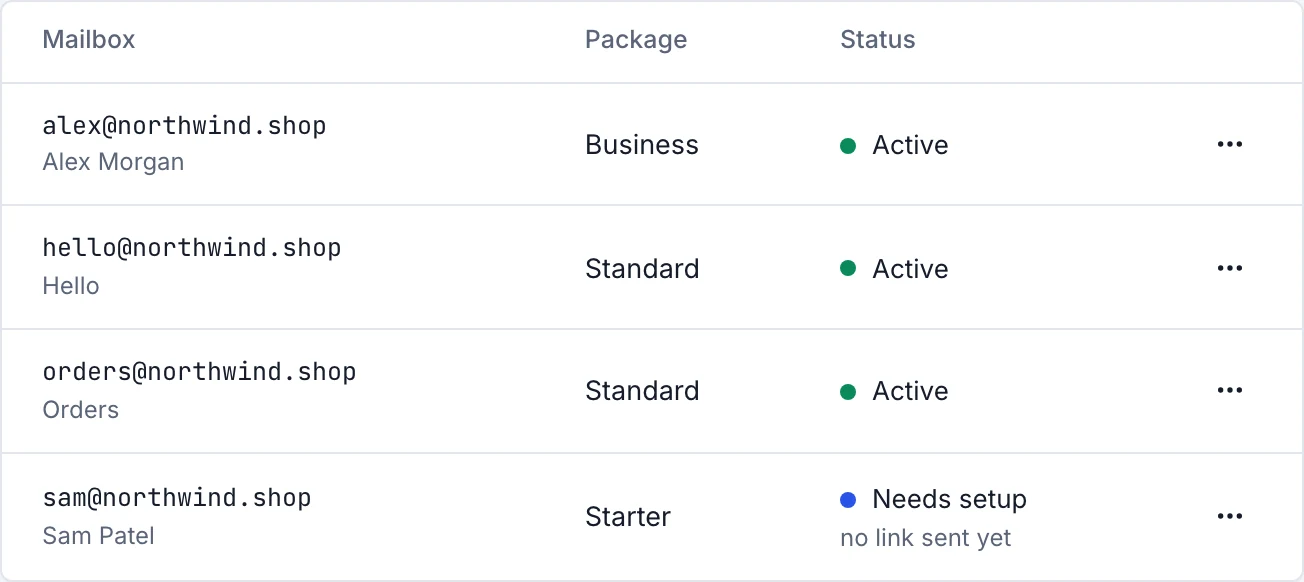
The person gets a link to choose their own password. It works for 7 days, and it comes from
[email protected], naming your company and you as its administrator. If it runs out, send a new one from the mailbox's menu. A mailbox that hasn't been set up yet shows Needs setup.
Open the webmail
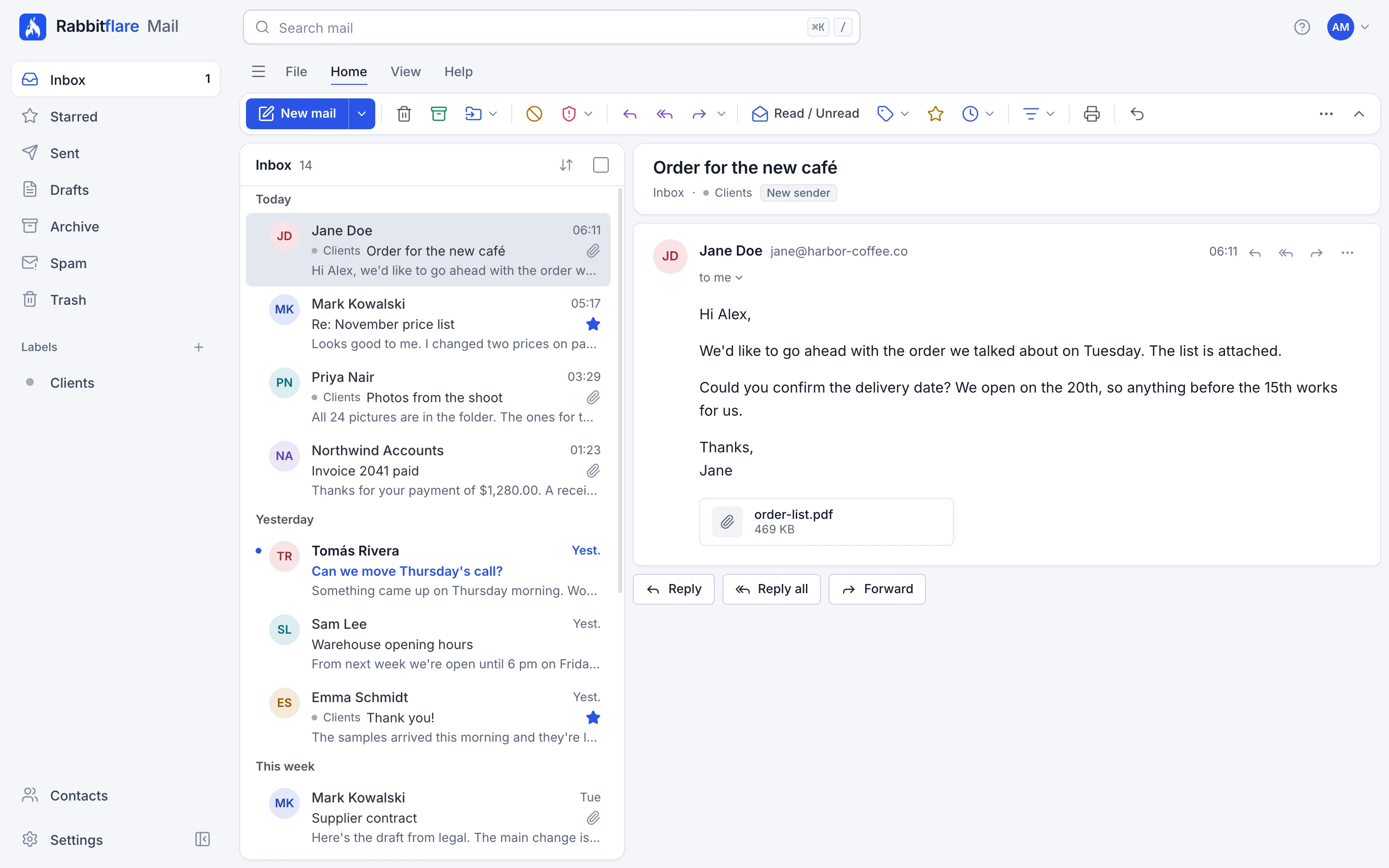
The webmail is at mail.rabbitflare.com. Sign in with the address and password. By default, each person sets up two-factor sign-in within 7 days, and until then the webmail reminds them. See the webmail for a tour.
Add your phone
In the webmail, open Settings, then Connected apps, and choose Set up a phone. Set up mail apps covers phones and computers.
What to read next
- Move your mail to Rabbitflare, if you have old mail to bring along.
- Why there is a sending allowance, and what happens at the limit.
- Our anti-spam policy: mailboxes are for people writing to people, not for newsletters or bulk mail.