
The webmail
A tour: conversations, undo send, send later, snooze, rules, vacation replies, search, labels, offline and shortcuts.
3 min read Updated
The webmail is at mail.rabbitflare.com, on a computer or a phone. Here's what's in it.
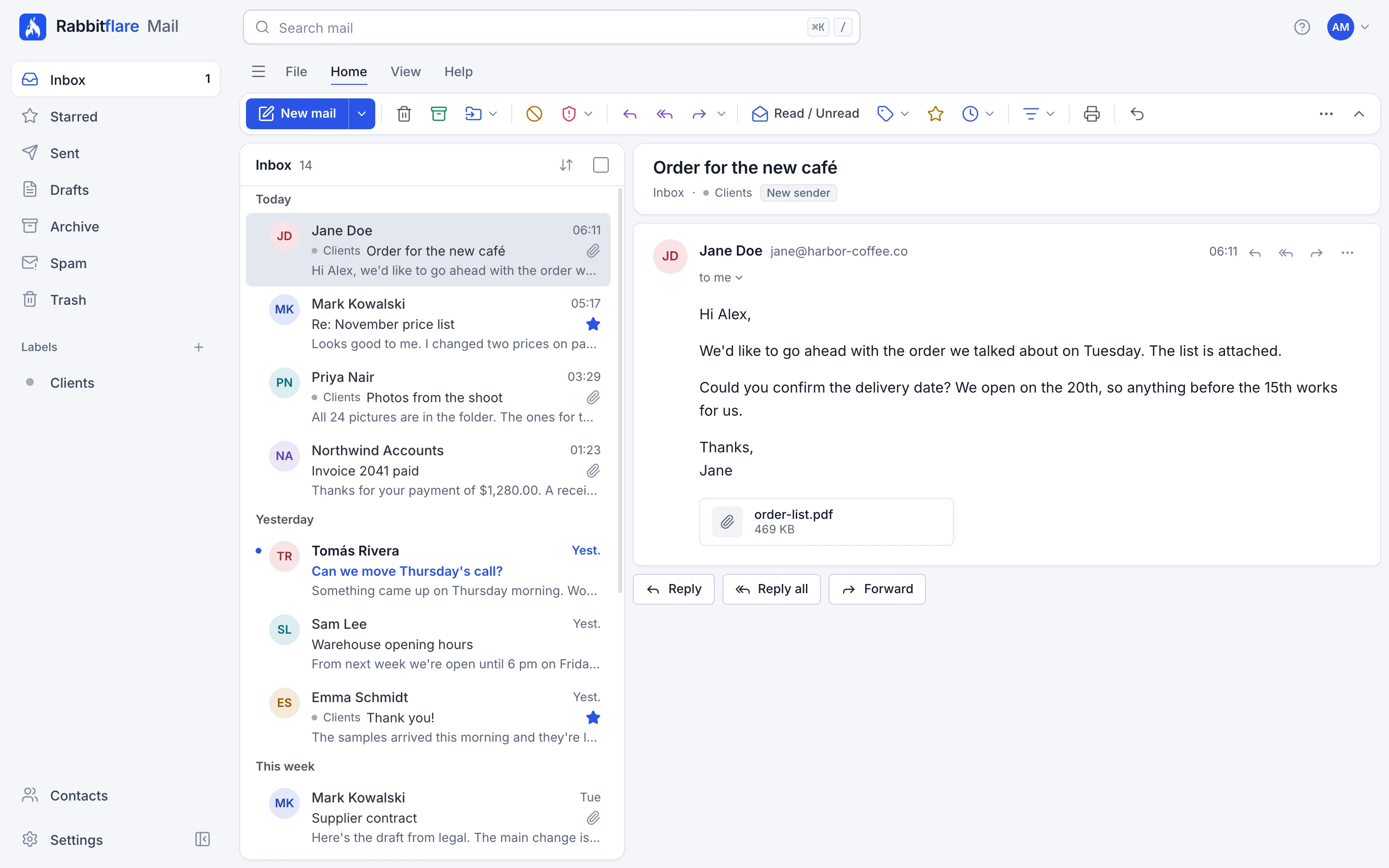
Reading mail
- Conversations: messages on the same subject are shown together.
- Pictures wait: remote pictures are held back until you choose Show images, and you can always show them for a sender you trust.
- Links tell: before a link opens, you can see where it really goes.
- Warnings: a message that looks wrong gets a banner saying what and why. See what the warnings mean.
- Unsubscribe, Block sender and Report phishing are in the toolbar and a message's ⋯ menu.
Writing mail
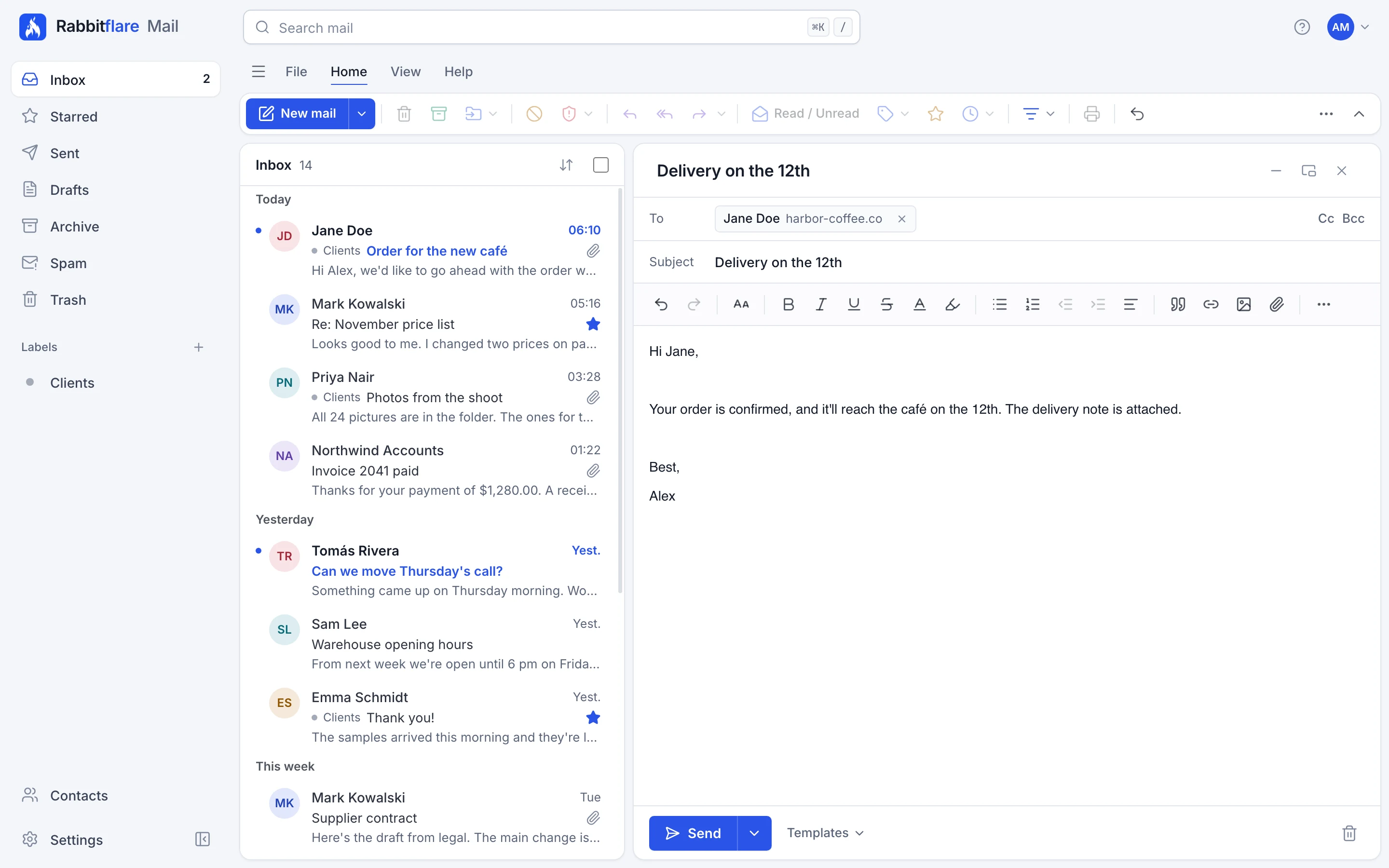
- Undo send: a message waits a few seconds before it goes, so you can take it back. Choose how long in Settings: 5, 10, 20, 30 seconds.
- Send later: the arrow beside Send lets you choose when it goes.
- Templates: fixed text you insert and edit yourself, for things you write often. They aren't for sending to lists.
- Attachments: a message can be up to 25 MB, and go to at most 50 people. A mailbox can attach up to 1 GB of files in an hour.
- Identities and signatures: choose your name and signature in Settings, and send as your aliases.
Organising mail
- Labels are in the side bar. A message can have several, and deleting a label never deletes mail.
- Snooze: a conversation goes away and comes back when you choose.
- Remind me if nobody replies: if nobody else writes in a conversation by then, it comes back to your inbox, unread.
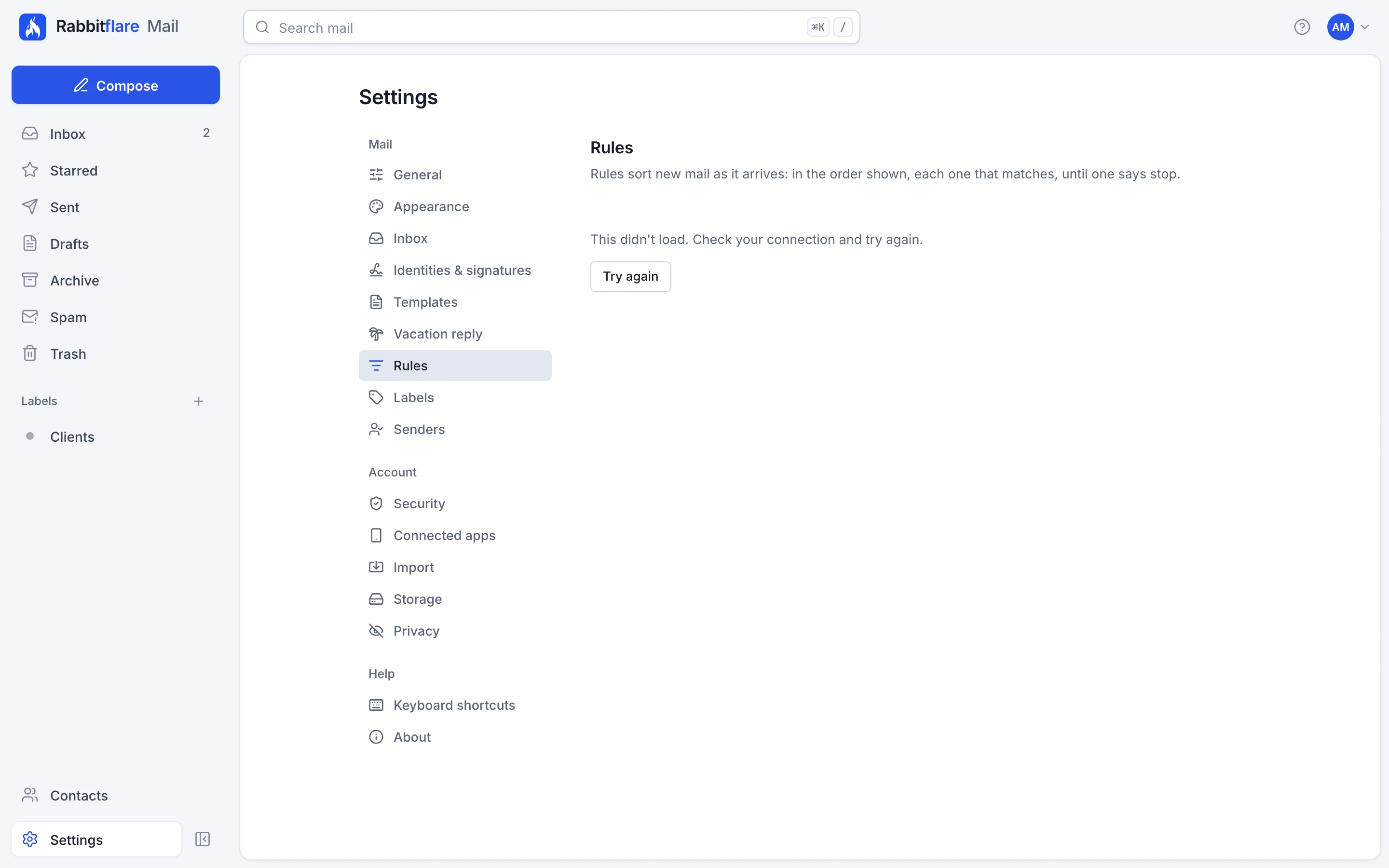
- Rules sort new mail as it arrives, in the order shown, each one that matches, until one says stop. Find them in Settings. If you know Sieve, there's a raw editor too. Rules can file, flag and reply, but they can't forward to addresses outside Rabbitflare Mail.
- Vacation reply: an automatic reply to people who write while you're away, once to each person every 7 days, and at most 50 a day.
Search
Press / or ⌘K to search. Type words to find them anywhere, or use operators like from:jane, subject:invoice and has:attachment. The search box suggests them as you type.
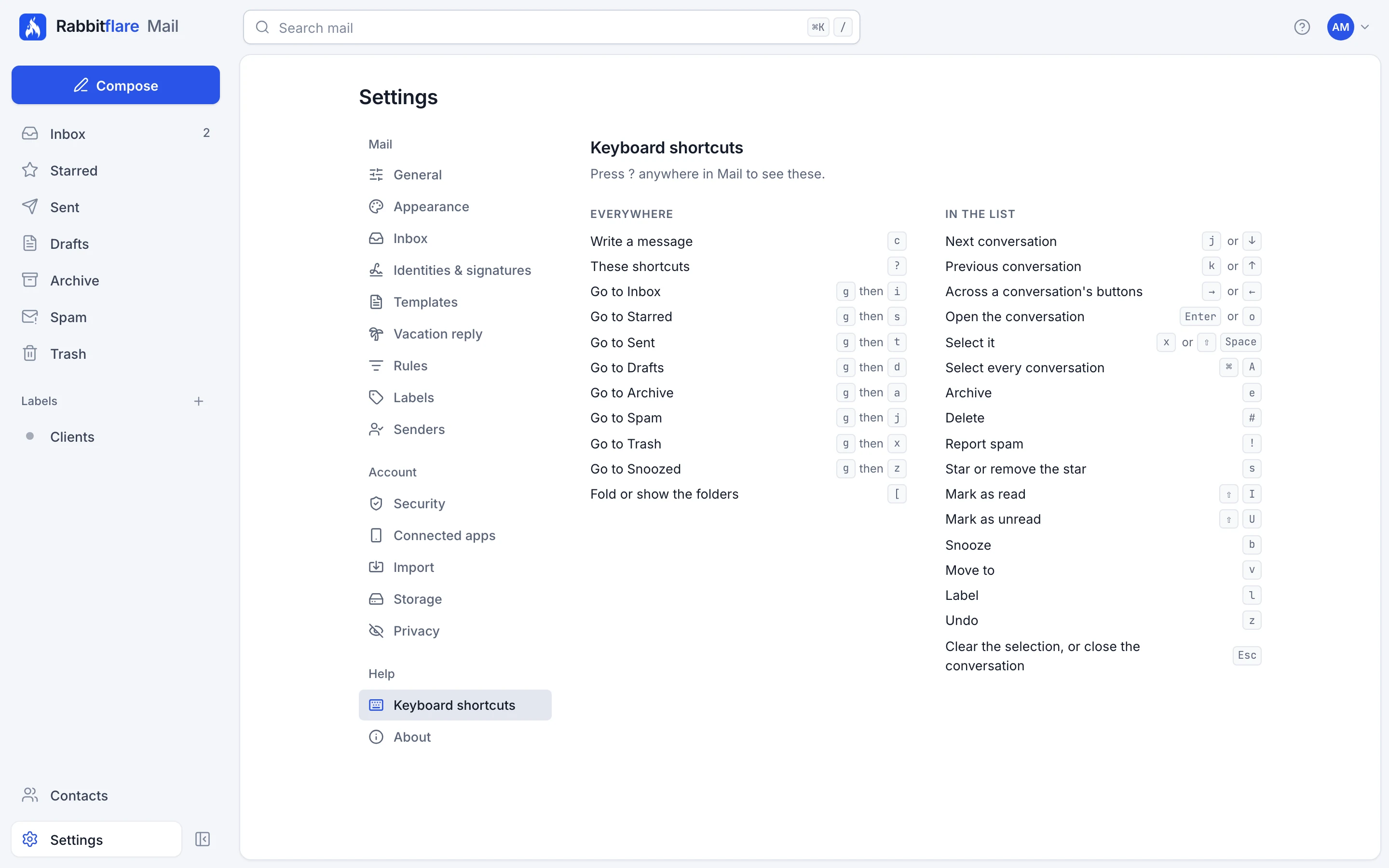
Keyboard shortcuts
Press ? anywhere to see them. If you've used Gmail's, you know most of them already: j and k to move, e to archive, # to delete, s to star, r to reply, c to write.
Offline
The webmail keeps the mail you've opened in your browser, so you can read it without a connection. What you write is kept on your device and goes to Drafts when you're back online. Everything kept in the browser is cleared when you sign out.
The notice bar
A bar at the top of the webmail tells you when something needs your attention:
- Two-factor sign-in is required by a date: set it up before then. See Securing a mailbox.
- A message wasn't sent: it's back in Drafts.
- Someone signed in from somewhere new: mail to people outside waits until you confirm it was you.
- Sending is paused: mail still arrives, and your administrator can see why.
- Your first messages are checked: on a new account, mail to people outside leaves once it's been checked, usually within a few hours.
- The sending limit is reached: mail to people outside can go again at the time shown.
- Delivery to outside addresses is delayed: mail waits and goes out shortly. Nothing is lost.
- Storage is full or nearly full: delete old mail, or ask your administrator for a larger package. When it's full, new mail is refused until there's room.
- An import is running: how far it has got, with a link to its page.